


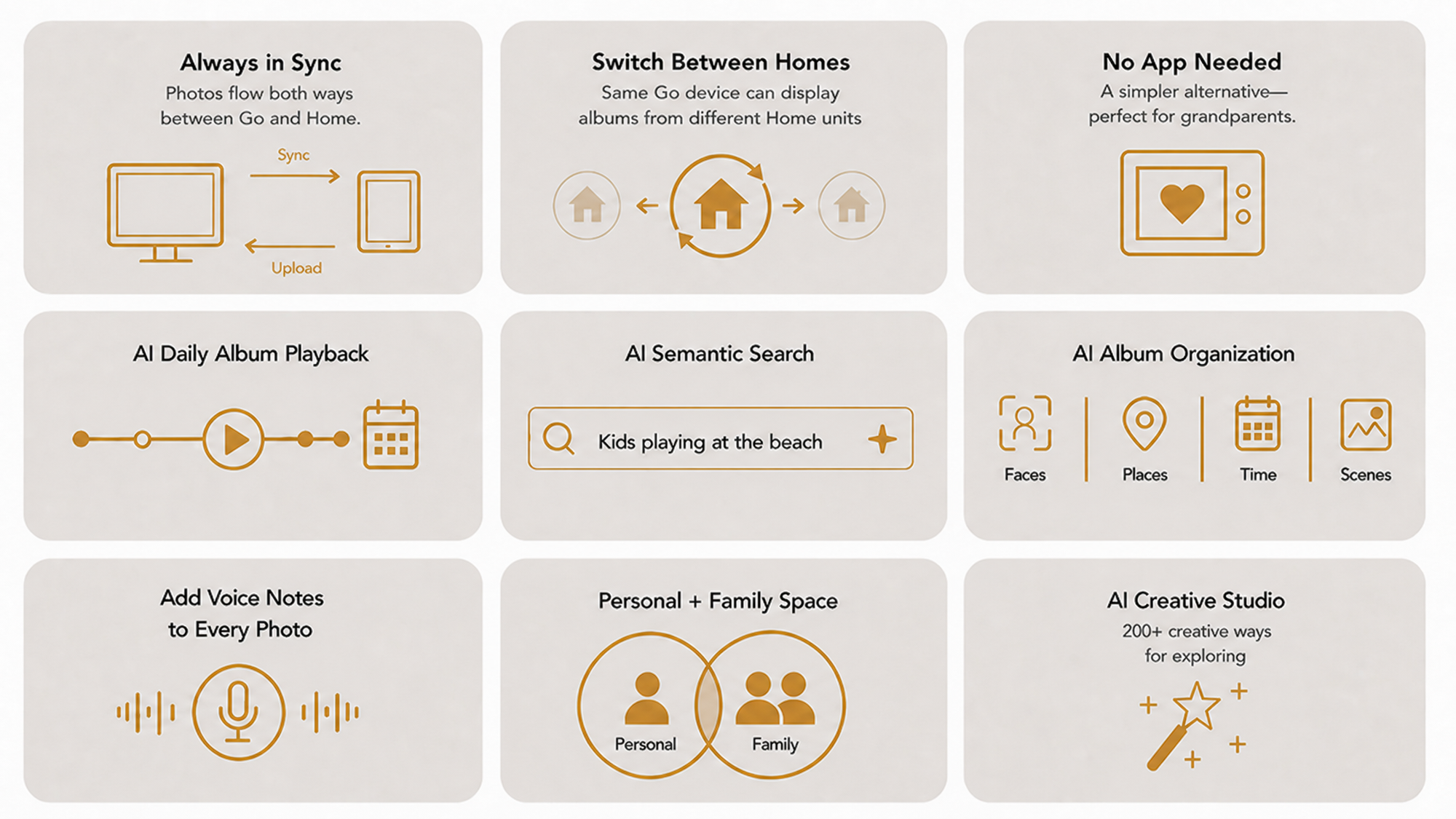
One Go, multiple family circles — switch between them anytime.
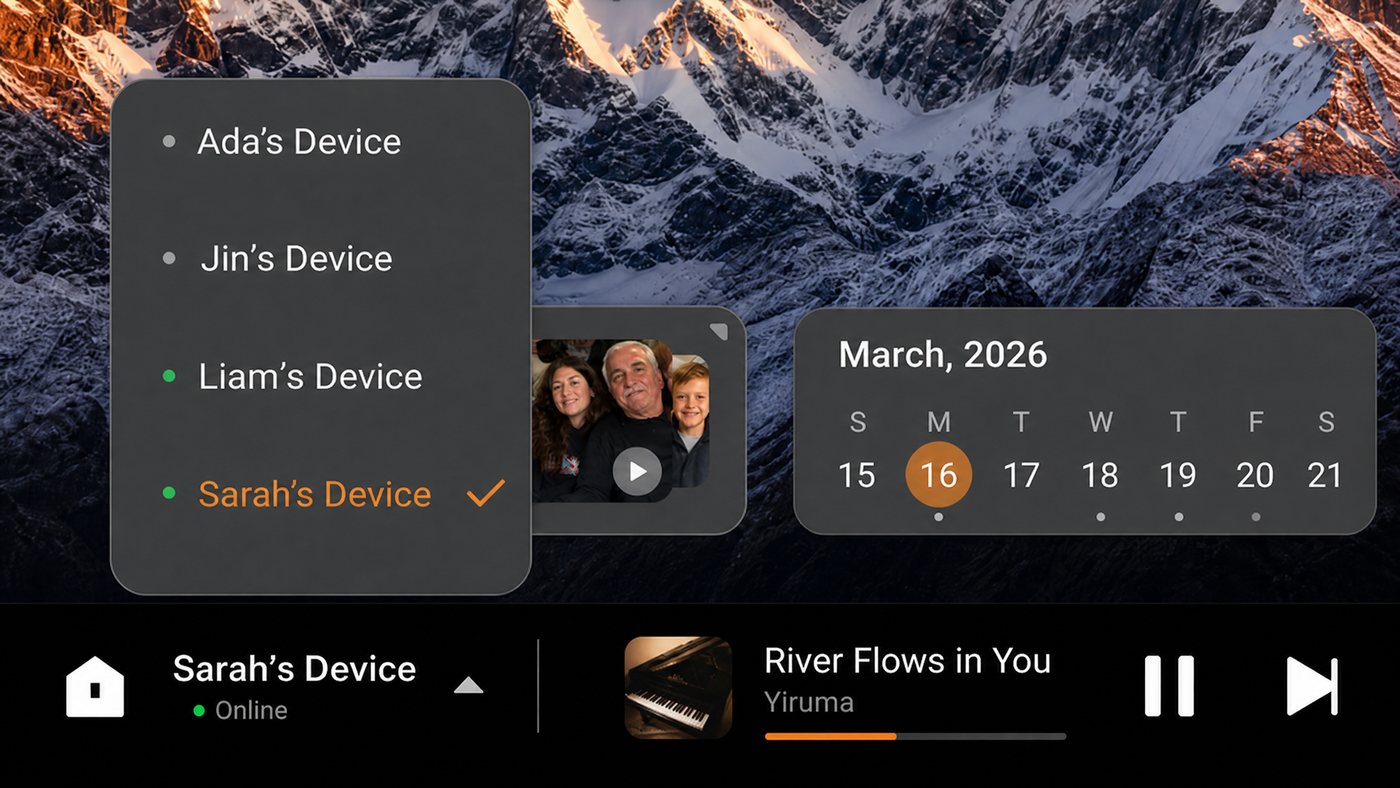
Memories just show up — no setup required, for anyone.

Install the app, and Go becomes a full Memkee Home of its own.

Display
11-inch IPS Touchscreen
Resolution
1920 × 1200
Position
Landscape/Portrait
Storage
32GB Build-in
Built-in Battery
2000mAh
Power
Type-C Power Port
Connectivity
Wi-Fi / Bluetooth
Port
Type-C Data Port
Camera
Built-in camera
Microphones
Dual microphones
Yes. A Memkee Home must be set up first, and Home assigns an account to a family member. Once that family member logs into a Go with their account, Go displays the photos and AI album from Home.
The same albums Memkee Home itself generates. AI analyzes every uploaded photo by face, time, and location/content, then automatically groups them into relevant albums — Go simply displays whatever Home has already curated, so what you see on Go always matches what's on Home.
No. A Memkee Home must be set up first, and Home assigns an account to a family member. Once that person logs directly into Go — no app needed — they can view the AI-curated album pushed from Home, search for photos by describing them, and leave comments on any photo. This mode is ideal for grandparents or anyone who'd rather not deal with installing an app.
If the same person also installs the Memkee app, they can go further — uploading their own photos directly to Home and drawing on its full storage capacity, not just viewing what's pushed to them. This mode suits family members who want to actively contribute memories, not just view them.
Go itself doesn't need its own large storage — when paired with Home, it streams directly from Home's storage (up to 8TB). Used standalone with the app, it stores your uploaded photos independently.
Go does not include NFC hardware. Photo sharing happens through the app and Home sync instead.
Yes, Go includes a front-facing camera, reserved for optional features we may introduce in the future. Right now, it's disabled at the system level — no app, no AI feature, and no remote service can activate it, and it records nothing. Any future camera feature will be off by default and will only turn on with your explicit consent.